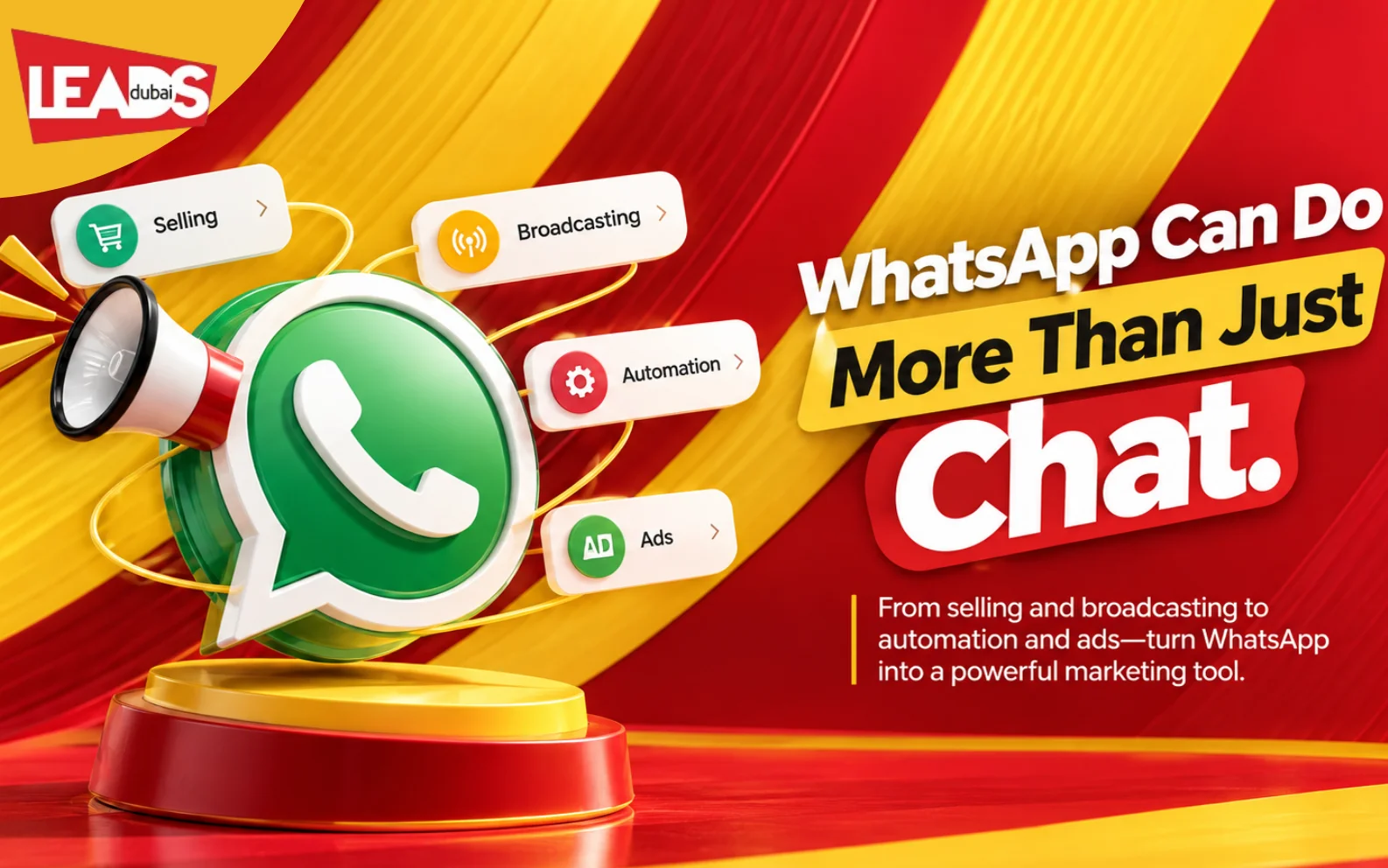
WhatsApp is already part of daily customer conversations across the UAE. That makes it useful for enquiries, appointment reminders, product questions and follow-up. It also makes poor marketing feel intrusive very quickly, so permission and message relevance matter more than sending volume.
Below are the ways to use WhatsApp for marketing, the benefits, and how to put a simple strategy together.
What is WhatsApp marketing?
WhatsApp marketing is using the messaging app to talk to customers and prospects directly: order updates, support, catalogues, appointment reminders, broadcasts to people who opted in. The point is a conversation rather than a campaign, which is why it converts differently from email or social.
It is worth separating two things that often get muddled. Messaging your own opted-in contacts through the Business app or the API is the bulk of what WhatsApp marketing means. Buying ad placements is a newer and more limited proposition: most paid activity still runs as click-to-WhatsApp ads bought through Meta Ads Manager, which start a chat rather than appearing inside WhatsApp itself.
When WhatsApp is the right channel
- The customer needs an answer before they buy. Considered purchases with questions attached: property, clinics, travel, education, anything bespoke.
- The message is time-sensitive. Delivery updates, appointment reminders, booking confirmations. These get read in minutes rather than sitting unopened.
- Your audience does not use email. Across much of the UAE and wider region, WhatsApp is the default channel, and for many customers it is the only one they check reliably.
It is the wrong channel for cold outreach. Messaging people who never opted in gets your number blocked and reported, and no amount of volume recovers from that.
Why WhatsApp works for marketing
Short answer: WhatsApp marketing helps a business continue a conversation after a customer opts in or starts a chat. Use the WhatsApp Business app or platform for catalogues, broadcasts, click-to-WhatsApp ads and replies. Keep messages expected, useful and easy to stop.
- Familiar channel. Many UAE customers already use WhatsApp for everyday communication, so there is less friction when they choose to start a business chat.
- Direct conversations. Customers can ask a question and receive an answer in the same thread.
- It is personal. Messages land in the same place as chats from friends and family, so they feel one to one.
- Two-way. Customers can reply, ask questions and buy, all in the same thread.
One thing to remember: WhatsApp was built for personal messaging, so marketing has to be permission-based and useful, not spammy. Send to people who opted in, keep it relevant, and use the official tools.
7 ways to use WhatsApp for marketing
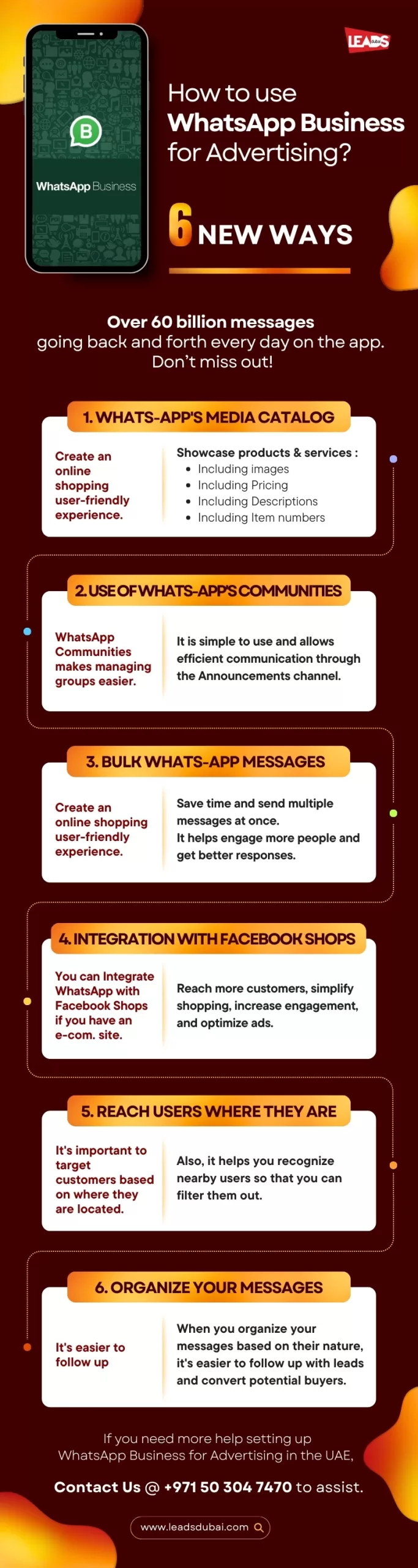
1. Product catalogue
Show your products and services inside WhatsApp with images, prices, descriptions and item numbers, so people can browse and buy without leaving the chat.
2. Broadcasts and customer updates
Send one relevant message to opted-in customers for offers, launches and updates. The Business app can support smaller broadcast workflows. Teams that need approved templates, automation and several agents should assess the official WhatsApp Business Platform.
3. WhatsApp Communities
Organise related groups under one Community with an announcement channel to reach everyone at once. It suits members, customers and events. See how to build a community on WhatsApp.
4. Customer service and automation
Answer questions quickly with quick replies, greeting and away messages, and chatbots for a 24/7 first response. The same approach works on Meta’s other channel, covered in our guide to the Facebook Messenger chatbot. Fast, personal service builds loyalty and repeat business.
5. Catalogue and social discovery
Keep the product catalogue accurate so customers can review items inside the conversation. Where your account and market support connected Meta commerce features, social discovery can lead into WhatsApp for questions about availability, delivery or fit.
6. Personalised, segmented messaging
Send welcome messages, useful reminders and relevant promotions based on what the customer agreed to receive. Segment by real needs or purchase stage, not by assumptions about the person.
7. Click-to-WhatsApp ads
Run ads on Facebook and Instagram that open a WhatsApp chat instead of a landing page, turning a click straight into a conversation. See how to run WhatsApp ads in Dubai.
The benefits for your business
- Deeper customer relationships. Messaging feels personal and builds retention, which is far cheaper than winning new customers.
- Fewer unanswered questions. A customer can clarify price, fit, delivery or timing before deciding.
- Measurable follow-up. A structured inbox and CRM can record the source, response and sales result.
- A sales channel. More people now buy directly through chat, so WhatsApp can close sales, not just start them.
How to build a WhatsApp marketing strategy
- Set clear objectives and the KPIs you will track: delivery, open, response and conversion.
- Build an opt-in list at checkout, on your site and through click-to-WhatsApp ads.
- Choose the right setup: the free Business app for small teams, or the Business API through a provider to scale, automate and integrate.
- Plan useful content: offers, updates, reminders and support, not constant promotion.
- Automate the repetitive parts with chatbots and templates, and keep a person ready for real questions.
- Measure, then put more behind what converts. If you need help, contact us on +971 50 304 7470.
FAQs
A WhatsApp marketing strategy explains who can be contacted, what messages they should receive, how often to send them and how replies reach the right team. It should include clear opt-ins and an easy way to stop messages.
Download the WhatsApp Business app (free) or apply for the WhatsApp Business API (for larger operations). Set up your business profile with your company name, description, address, email, and website. Create a product catalog to showcase items directly in the app. Set up automated greeting messages, away messages, and quick replies to handle common inquiries efficiently. For advanced features like bulk messaging and CRM integration, use the Business API through an official partner.
WhatsApp broadcast lists let you send the same message to multiple contacts at once without creating a group. Each recipient receives the message as a private chat, maintaining a personal touch. You can create broadcasts of up to 256 contacts. The key requirement is that contacts must have your number saved in their phone for the broadcast to reach them, so building your contact list through opt-ins is essential.
Record how each contact agreed to receive messages, explain what they will receive and provide a clear way to stop. Use the official WhatsApp Business tools and approved templates where required. UAE privacy and telemarketing obligations depend on the campaign and data used, so obtain legal guidance for your specific process.
Track delivery, replies, qualified conversations and completed sales where those signals are available. Add UTM parameters to shared links, record the campaign source in your CRM and compare cost per qualified conversation rather than counting every chat as a lead.
Related: how to run WhatsApp ads in Dubai, the WhatsApp marketing software that powers it, and how to build a community on WhatsApp.